Turn Cold Leads into Warm Conversations
Closmore is the AI sales assistant that turns LinkedIn profiles into sales opportunities. Analyze prospect fit and generate personalized 1-click outreach emails instantly.
Steps for using Closmore:
- Go to Closmore.com for license keys purchase, or
- Submit a request in Closmore.com. We will send the access link shortly.
Follow instruction below.
Closmore - Product Details
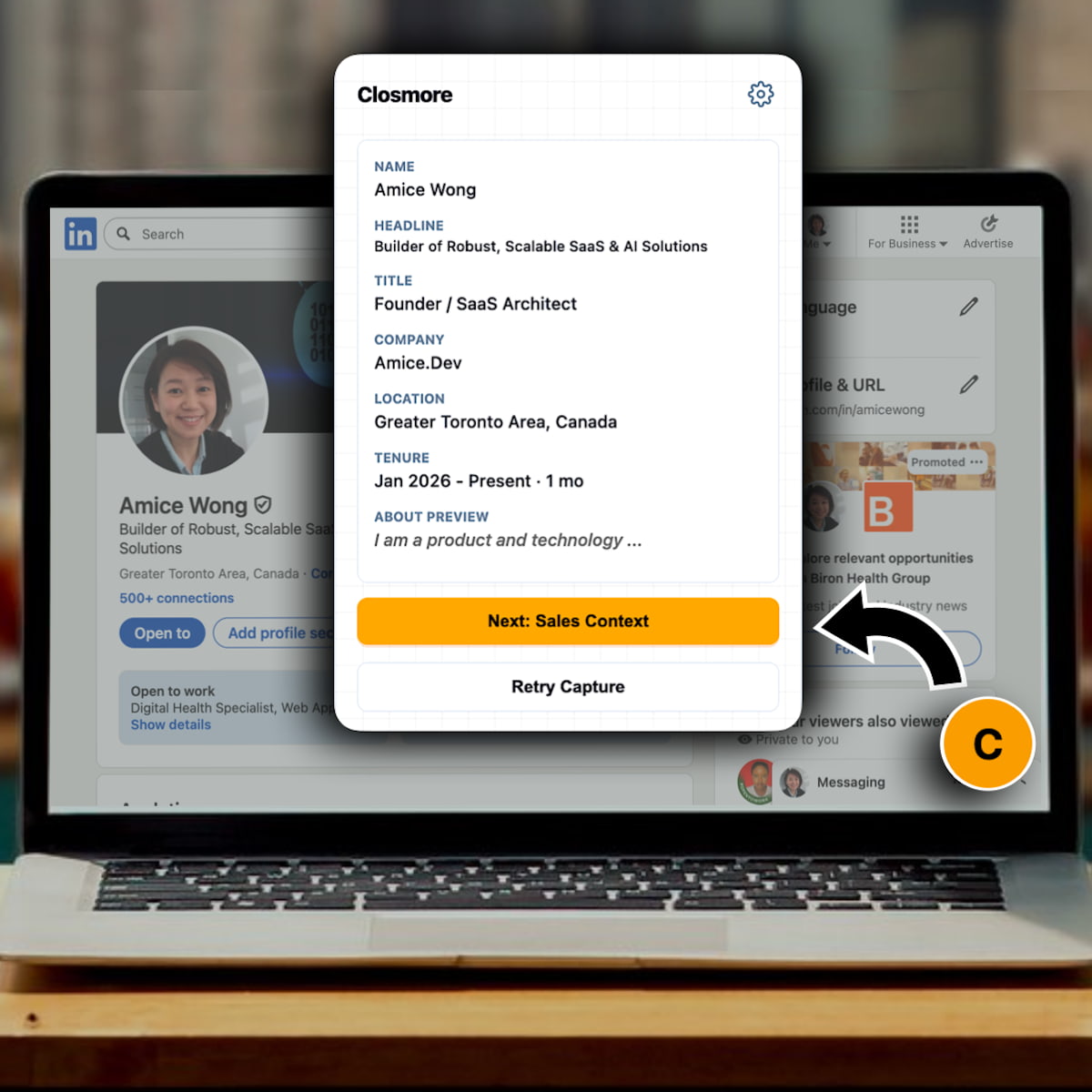
Visit any LinkedIn profile, and with one click, Closmore analyzes the prospect and generates highly personalized email drafts tailored to sell your specific product.
Key Feature
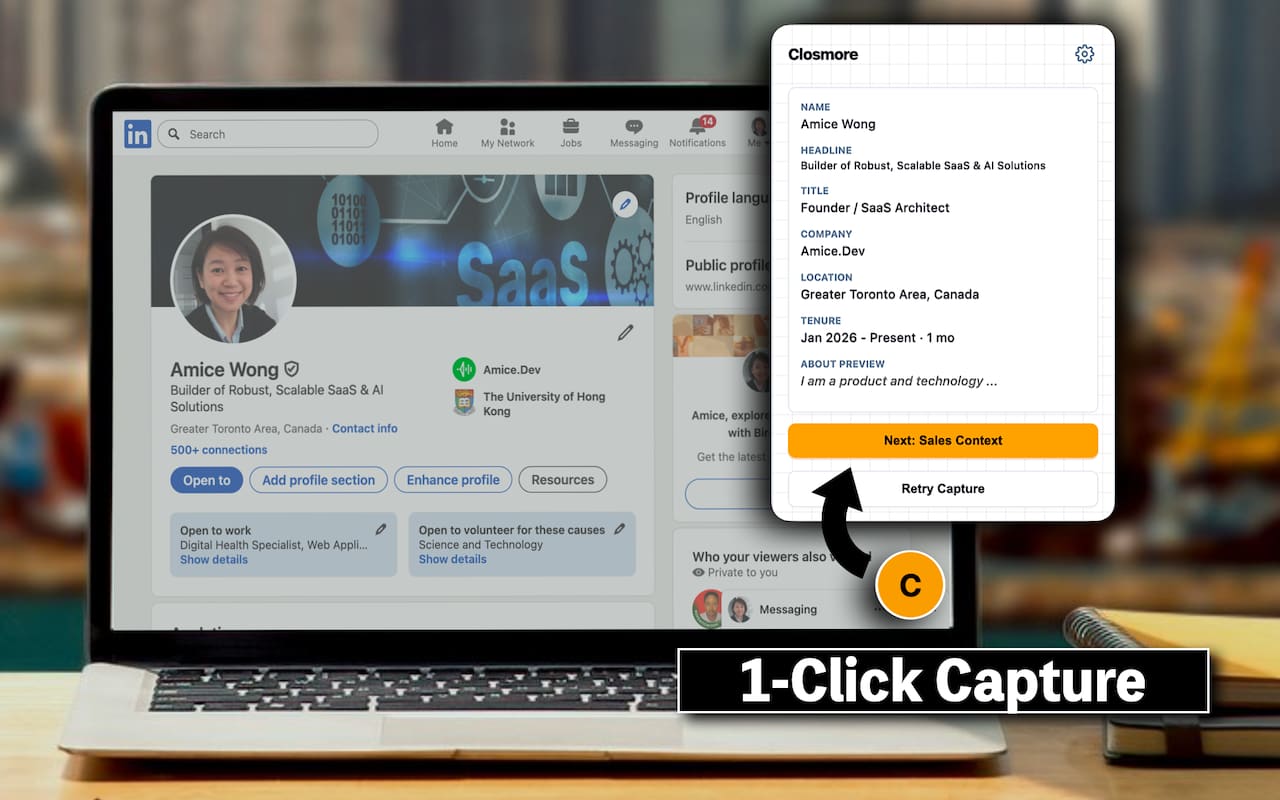
1. Instant Profile Context
Reads the profile you are viewing (Name, Headline, Experience) to understand who you are talking to without manual data entry.
2. AI-Powered Prospect Analysis
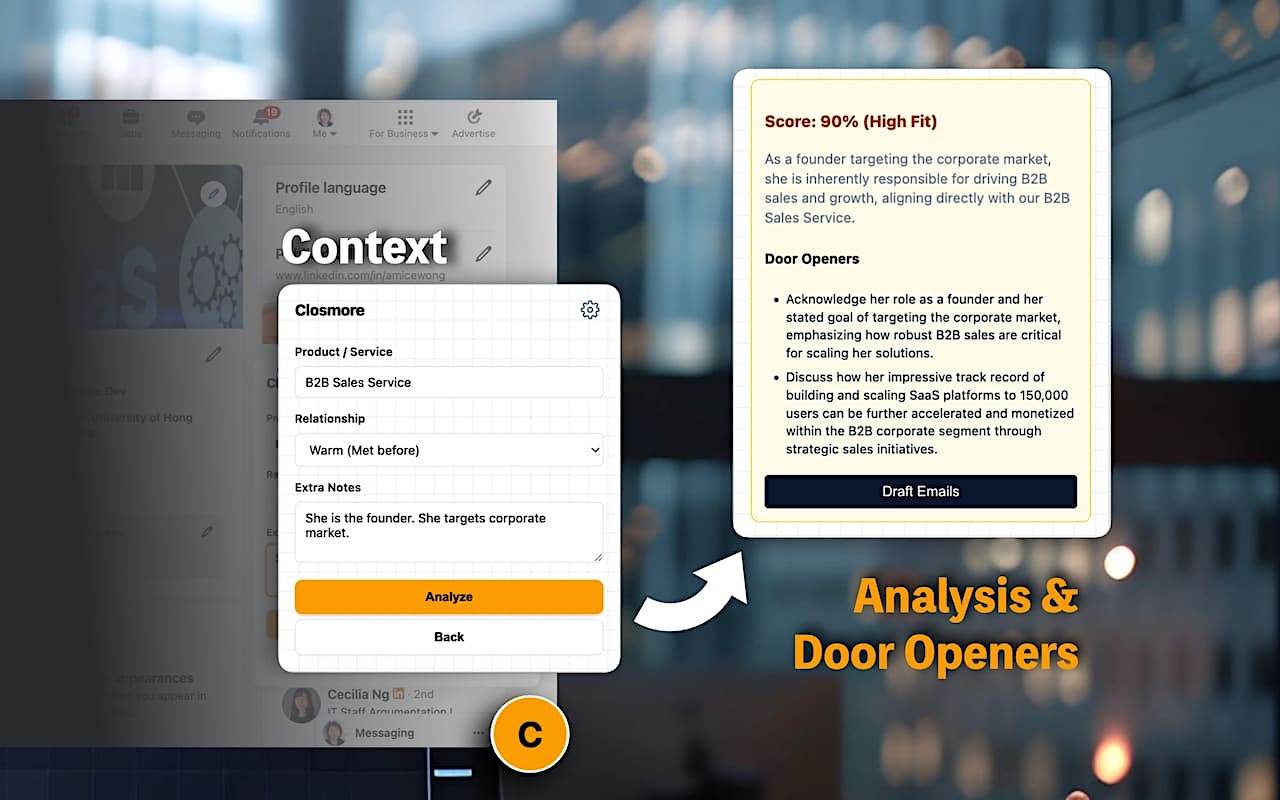
Stop guessing. Get an intelligent Fit Score (0-100%) with detailed reasoning.
- Is this prospect a good match?
- What are their likely pain points?
- Why should I reach out now?
3. Automatic "Door Openers"
Closmore searches for relevant "Talking Points" based on the prospect's recent activity or company news, giving you a natural way to start the conversation.
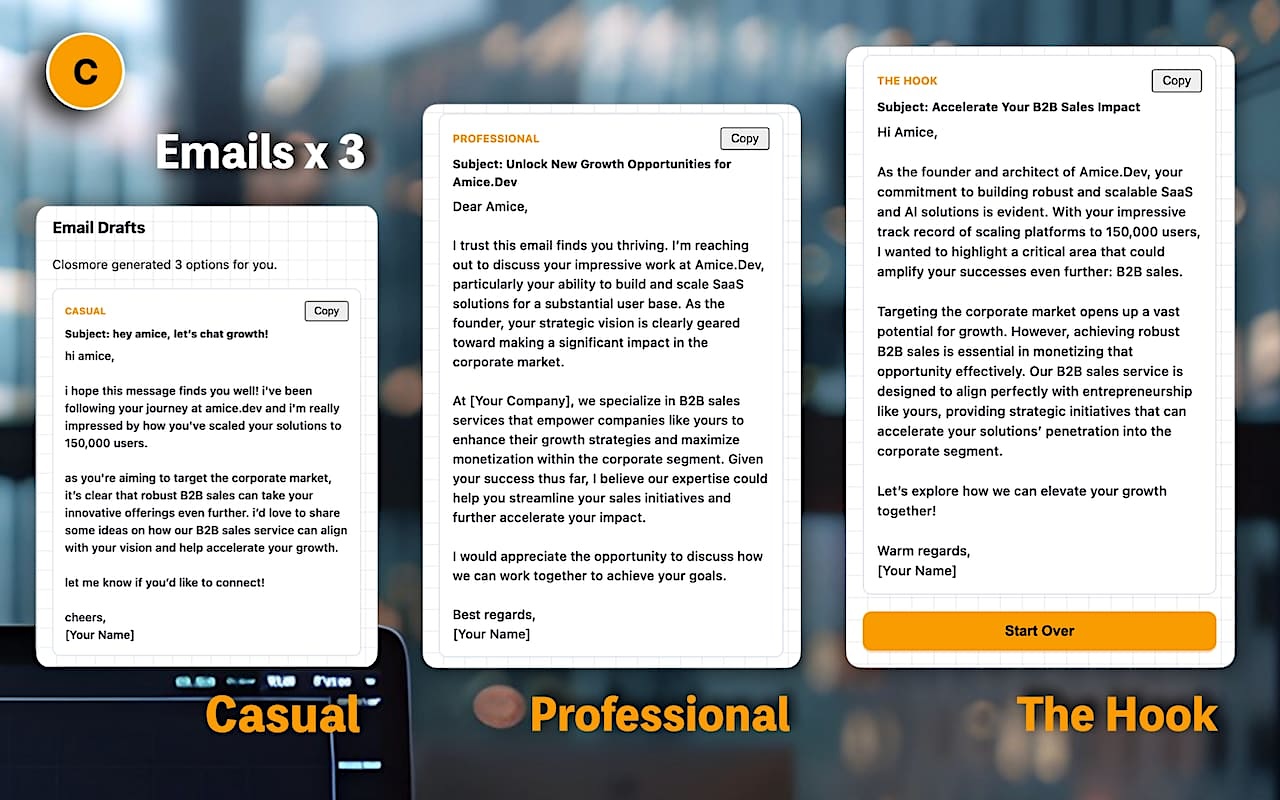
4. THREE Personalized Email Drafts
Generate three distinct approaches instantly:
- Casual - Friendly, conversational tone like you are talking to a peer.
- Professional - Formal structure that respects hierarchy and business context.
- Hook - A low-friction message designed to keep the door open, even for colder leads.
5. Seamless Sidebar Interface
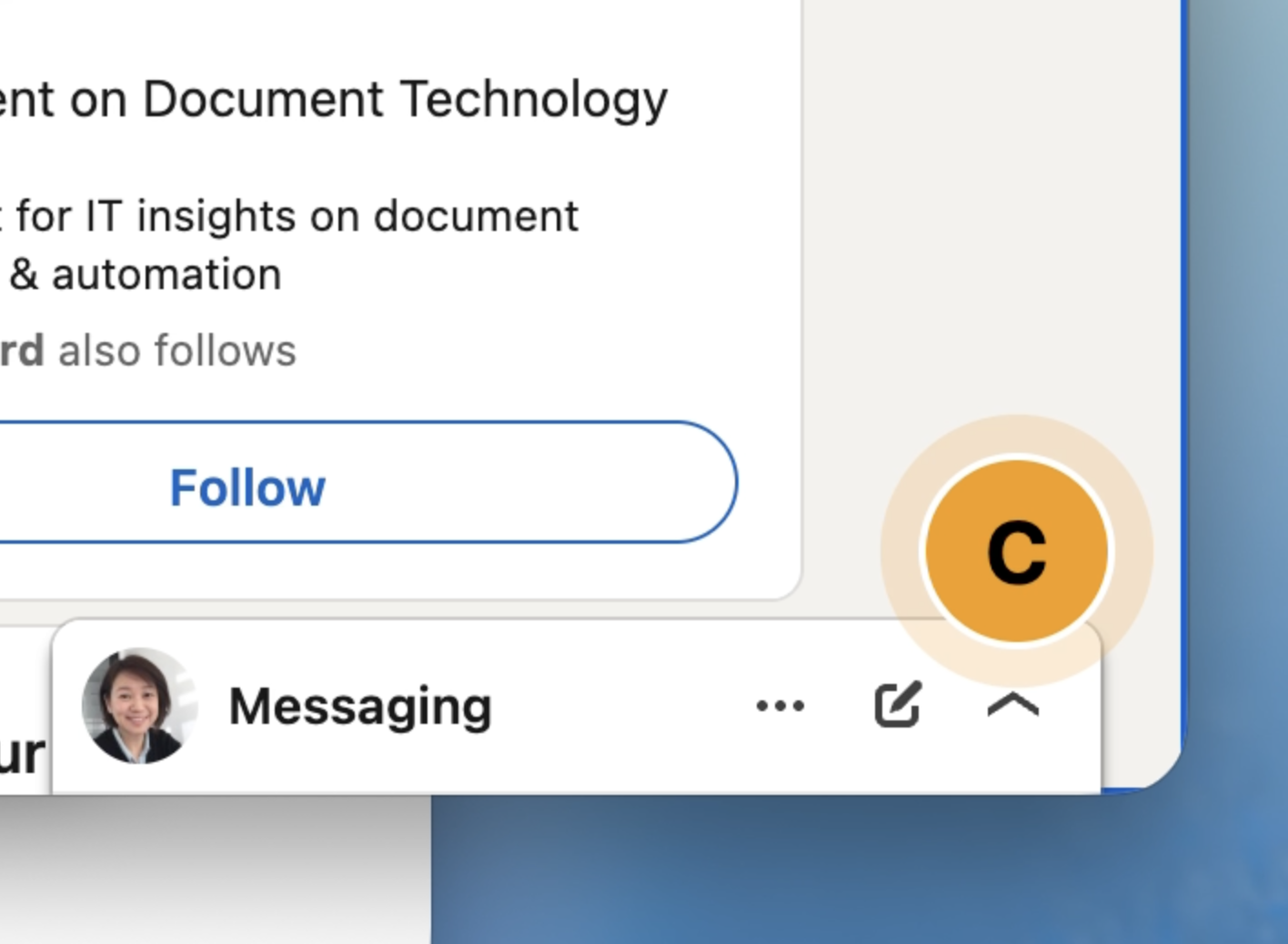
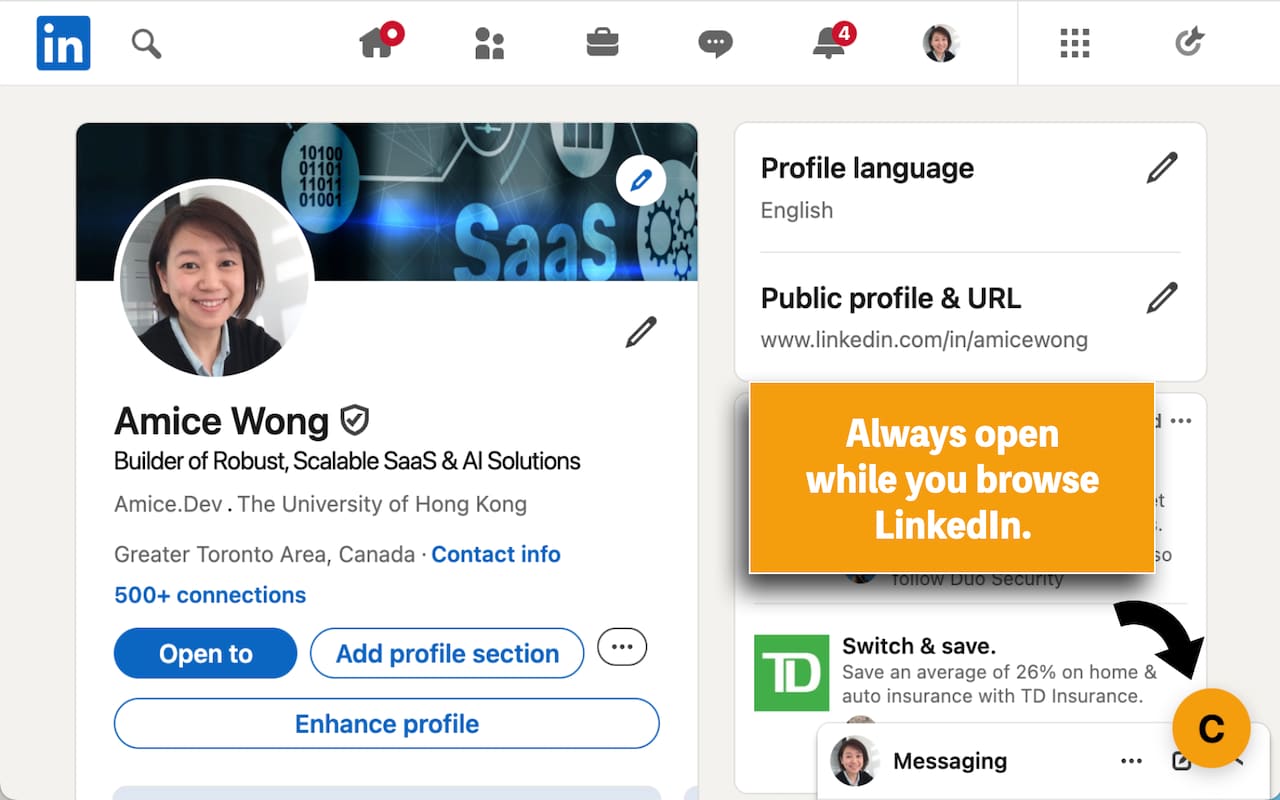
A clean, unobtrusive sidebar that works alongside LinkedIn, not over it. Toggle it on only when you need it.
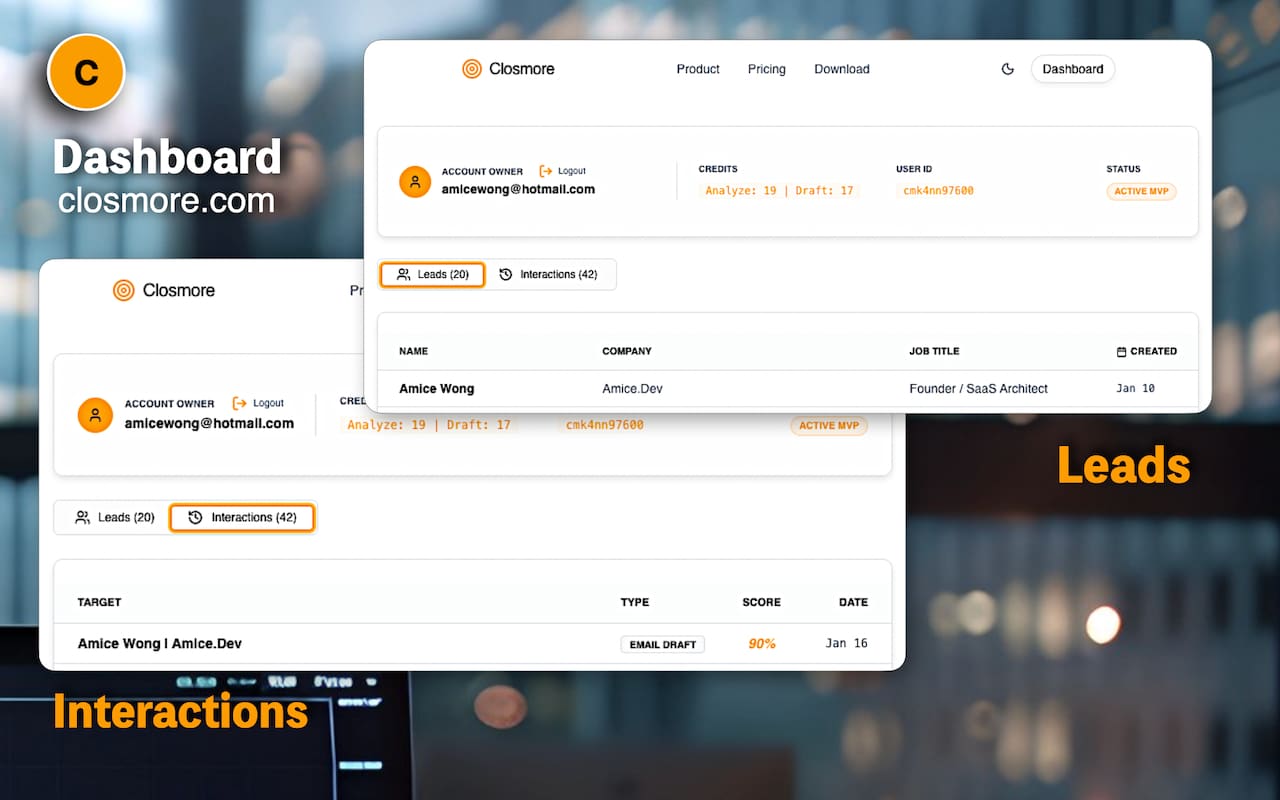
6. Dashboard - Contacts and Interactions
All the analysed contacts and interactions with them are stored in Closmore.com dashboard. Use the license key to login.
Installation Procedure
- Go to Closmore.com for license keys purchase, or
- Submit a request in Closmore.com. We will send the access link shortly.
After Installation:
- Click the Closmore floating amber "C" icon in the bottom right of the browser.
- Click the gear icon (⚙️) in the extension sidebar to enter your License Key and save. (Setup Once only)
- Visit a LinkedIn user profile page. e.g https://linkedin.com/in/amicewong
- Click "Capture Context" to summarize the profile.
- Click "Next" to input your product/service details, etc.
- Watch as AI generates a strategy and email drafts.
- Copy, paste, and send.
Privacy First Design
- No Hidden Data Collection: We only analyze the specific profile you are currently viewing when you click "Capture."
- Local Storage: Your settings and license keys are stored locally in your browser.
- Secure: Profile text is sent to our secure server solely for the purpose of generating your analysis and drafts. We do not sell data.
Requirements
- Active LinkedIn account.
- Closmore License Key (Get yours at closmore.com).
Supports and Updates
Visit closmore.com for documentation, pricing, and product updates.
Closmore is always with you to turns LinkedIn profiles into sales opportunities.

![[8-Day Closmore SaaS Challenge] - NO Coding in Day 1](/media/postuploads/day-1-saas-mvp-architecture-closmore.jpg)
![[8-Day Closmore SaaS Challenge] Day 2 — Why Tools Didn’t Save Me](/media/postuploads/amice-8-day-SaaS-MVP-closmore-blog-day2-AI-Monday-Jira-Save-Me_Gsd4lYw.jpg)
![[8-Day Closmore SaaS Challenge] Day 3–4 — Why Closmore Was Built by a Salesperson](/media/postuploads/closemore-SaaS-built-by-salesperson-amice-day3-0.jpg)
![[8-Day Closmore SaaS Challenge] Day 5-6 — "What If...?"](/media/postuploads/error-handling-code-for-Closmore-SaaS-Day-5-6-What-if-audit-1.jpg)
![[8-Day Closmore SaaS Challenge] Day 7 — From “working” to “shippable” (From MVP to 1.0)](/media/postuploads/Closmore-Extension-Popup-Sidebar.jpg)
![[8-Day Closmore SaaS Challenge] Day 8 — Commercially Real — License & Billing](/media/postuploads/Closmore-licence-commerically-real.jpg)