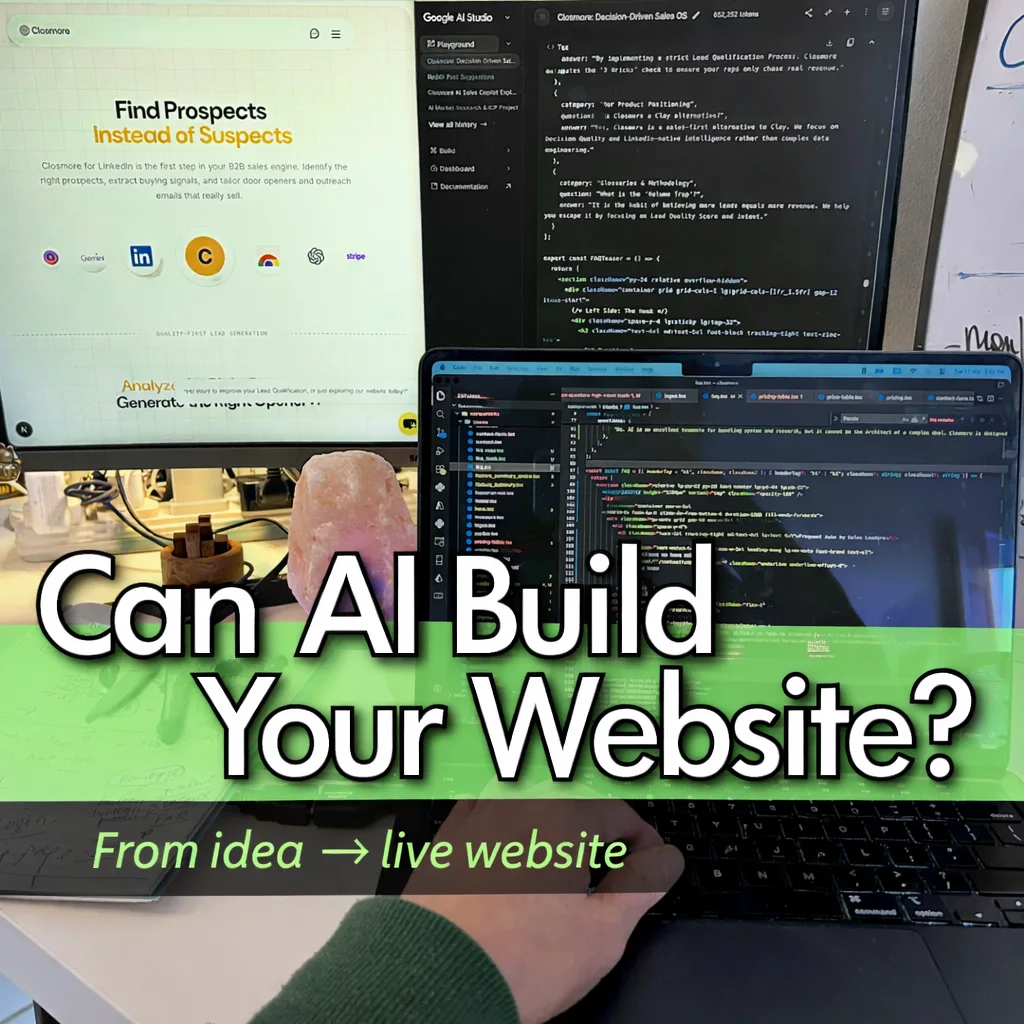
Some of my friends asked me,
“Can AI really code for us?”
First, definition:
“Vibe coding”: The user provides a requirement in plain English, and the AI codifies the entire solution for you.
As a full-stack engineer (from a background of 20+ years of enterprise sales hunting), I categorize the answer into two parts.
The following discussion applies to these two frameworks:
Framework → Language
1. Django → Python, HTML, a bit of JavaScript
2. NextJS → JavaScript (TypeScript), HTML
Example: Assume you would build a product/service web app.
AI tools:
- Google AI Studio - Build option
- Google AI Studio - Playground
- Claude AI
A. Good-to-go Level
(1) Code
(2) Product Diagram
(3) Contact page
(Actually, you may not even need a page at this level)
Final step — make it LIVE
The Bottom Line:
AI saves about 90% of the time compared to learning coding from scratch, which could take weeks or even months.
The remaining 10% involves:
- Planning the solution focus (what problem you want to solve)
- Preparing images or diagrams
- Several rounds of prompting and refinement with AI
Good to go!
B. Advanced Level
Now you are serious about publishing your business / idea / solution.
You need to architect the website properly for SEO and long-term impact.
(1) Contact page
Instead of a social link, create a proper contact page with a form. This makes the whole website look more professional.
The first thing you would need is not a form, but a database which store each submission. AI can guide you through the steps.
Django
For Django, you can use a database such as SQLite - built in with Django.
This is perfect for small-scale datasets.
Ask AI to guide you step-by-step to create:
- a model/schema
- a contact form
- storing submitted form records in your database
These should be easy.
Next.js
Set up a table in your database.
A good serverless choice is Neon. Free tier is enough for most new website.
Ask AI to generate the schema and database structure.
On a daily basis, simply check the contact table to see who left messages on your site.
(2) Price page
A price page itself is nothing special, but...
the real question is: how do you connect it to a payment gateway?
Besides, consider your pricing model.
- One-off payment: Connect your website to: PayPal / Shopify
- Monthly subscription models: integrate with platforms like Gumroad can handle the billing logic for Closmore, as a electrical products.
Your focus should remain on building the website content, not rebuilding payment infrastructure.
(3) Page count / Page tracking
AI can help you track how many times each page is viewed.
You can ask AI to create a page-view tracker for your website.
The logic is similar to the contact form.
Steps:
- Create a model/schema in the database storing each page’s identifiable name.
- Prepare a tracker function triggered when a page is visited.
- Record: page name / date / visit count
A more advanced option is to use :
Google Analytics 4 for comprehensive analytics.
This saves you time from building your own system, though it requires some learning.
You may also add heatmap tools to understand how users interact with each component on a page.
(4) Blog page
It looks simple but can be tricky.
Django
Django is excellent for content management.
With tools like
django-summernote, blog content is stored in HTML format.
More importantly, such a "combo" is good for SEO.
(This amice.dev and a number of project of mine were built this way.)
Next.js
Editors like
BlockNote look very fancy, as its slogan says, a notion style editor.
But the content is stored as JSON strings instead of HTML.
It is good for structured data, but not ideal for SEO.
I shared in another article on
Leveraging BlockNote to Build an Embedded Breathing App in Next.js
on how i use it.
For Closmore.com, I am still exploring a better option for Closmore.com.
Another possible solution is the Markdown approach, instead of pure HTML.
Tell AI explicitly your purposes, for AI to give you the best tools for you. Ask AI to guide you step-by-step the implementation in your project.
Important! From my experience, if the tools are "too new", say, launched for less than two years.
AI has not yet been trained on it, or the backend information is too less for AI to provide a smart-enough assistant to you.
You can provide the tools’ documentation and let AI digest it for you and guide you through.
(5) Images
If your blog contains more diagrams over time, consider using a CDN (Content Delivery Network).
Instead of using the default image storage in Django or Next.js, use a service such as
EdgeStore.
Your images will be replicated and distributed across multiple locations worldwide.
This significantly improves loading speed and global performance.
Image optimization
Before uploading finalized images, minimize their file size.
A great tool is Squoosh.
It can significantly reduce image size without sacrificing quality.
For maximum performance, convert images to WebP format with Squoosh.
(6) Sitemap
This is an important SEO step for organic traffic.
Steps:
- Prepare sitemap.xml - Ask AI to guide you the code in generating it
- Submit it to Google Search Console
You can also use the Google indexing API to submit your links. Again, ask AI for the script for submission.
Whenever you publish a new page, repeat the same steps above.
(7) CI / CD
Use GitHub to back up your code and manage version control.
It is the industry standard for simplifying deployment. Just make sure you do not skip this part.
(8) Deployment
Besides Azure, DigitalOcean Droplets are an excellent choice for full control.
$6 per month per droplets - the lowest configuration but ideal for newly launched website.
I have been using them for years. You can always upgrade it later (but you can't downgrade it)
They provide full control of your server environment.
I recommend paying an extra ~10% for automatic weekly backups.
Conclusion
No matter what tools you plan to use, you can always ask AI for advice and step-by-step guidance.
This is the key.
Many people (including myself) feel excited when they see a full set of code generated by AI in just five minutes from a simple prompt in Google AI Studio - Build:
- The homepage with H1, H2, images, contact form, etc.
- As said, with further information you provided via the prompt
- With some budget, deploy in Azure.
3 main steps only. This is extremely fast for a good-to-go website.
Where Does Vibe Coding Shine?
It is undeniable that for a marketer or non-technical founder, who already has everything ready except the technical implementation. AI vibe coding removes a huge obstacle.
AI vibe coding works extremely well once the details and specifications are clear.
But for serious web products, a full-stack developer must remain the orchestrator and architect of the entire system from planning to launch.
AI is a powerful teammate that amplifies your capability, and time but it still needs you to lead the way.

![[8-Day Closmore SaaS Challenge] Day 8 — Commercially Real — License & Billing](/media/postuploads/Closmore-licence-commerically-real.jpg)